Are you wondering how to make your Twitter profile picture not blurry? One of the common frustrations with social media is blurry header and profile pictures. You can spend hours perfecting your profile images, only to find they look pixelated and lacklustre when you upload them to the site.
In this quick tutorial, I reveal how to make a Twitter banner not blurry, and we'll see how to make them look crisp and sharp. You won’t believe how easy it is to do once you know how!
If you're a community manager or you have different Twitter profiles, you might not have time to design a Twitter header from scratch. Here's where Envato Elements comes in handy. The subscription-based marketplace offers you unlimited Twitter header templates, social media kits, and other amazing graphic templates and digital assets.


Scroll down after this tutorial to find a selection of Twitter header Photoshop templates that will save you a lot of time, are ready to use, and come in the right size! Also, did you know you can make aesthetic Twitter headers without design software, right in your browser? Check out this tutorial to learn more:

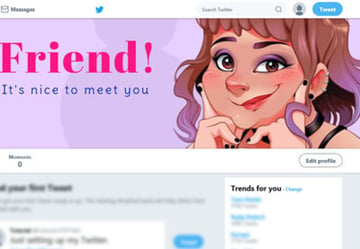
Twitter Header Dimensions & Recommendations
First, let's start with Twitter header dimensions. Twitter’s support page recommends sizing your header pictures to 1500 x 500 pixels and keeping the file size to under 2 MB.
Here are some additional tips for updating your profile:


Let’s experiment with uploading a header image in each of these formats and check out the result (note: only one of these formats will upload as an unblurred picture).
Experiment 1: Uploading the Photo as a PNG
Step 1
I’m using Adobe Photoshop to resize my Twitter images. To create the profile photo, I create a new document 400 by 400 pixels in size. I File > Place my image, and then go to File > Save for Web (go to File > Export > Save For Web (Legacy) in Photoshop CC), saving the image as a PNG file.


When I go to upload my profile photo to Twitter, I have no problem with the resolution of the image—it comes out crisp and clear.


Step 2
To set up the header image, I create a new document 1500 by 500 pixels in size. I File > Place my image, then File > Save for Web and save as a PNG file.


Step 3
But when I go to upload the PNG, it looks a little...


...well, blurry.


This Twitter banner looks blurry, but don’t panic, let’s soldier on...
Experiment 2: Uploading the Photo as a JPEG
Step 1
I repeat the steps, preparing my image in Photoshop and then going to File > Save for Web. This time, I save the file as a Maximum Compression Quality JPEG file.


Step 2
Unfortunately, I’m still not totally happy with the uploaded result—there’s still quite a bit of visible blur on the image.


This Twitter banner looks blurry as well, but I have just one final resort...
Experiment 3: Uploading the Photo as a GIF
Step 1
I head back to the Photoshop image, and this time choose GIF from the file format options.


Step 2
When I go to upload the image to Twitter, the result is noticeably better, without any of the more visible blurring you have with PNG or JPEG images. Success!


How to Make a Twitter Banner Not Blurry: The Verdict
Our trio of experiments lead to one definite conclusion—uploading your header photo as a GIF file, rather than the more common PNG or JPEG formats, is the best way of minimizing blurring and keeping your images looking crisp and sharp.
Looking for social media image inspiration? Browse thousands of cool landscape-orientation photos, which are easily adaptable to Twitter’s header picture proportions.
10 Top Twitter Header Templates From Envato Elements
Envato Elements is the place to go if you need professional and aesthetic Twitter headers. Here's a hand-picked selection of some of the best ones:
1. Multipurpose Twitter Header Templates (PSD)



This complete Twitter header Photoshop template is a must-have for anyone managing multiple Twitter accounts. The pack comes with 32 multipurpose templates that you can easily customize to fit a variety of businesses and purposes.
2. Spring Collections Twitter Header Template (JPG, PSD)
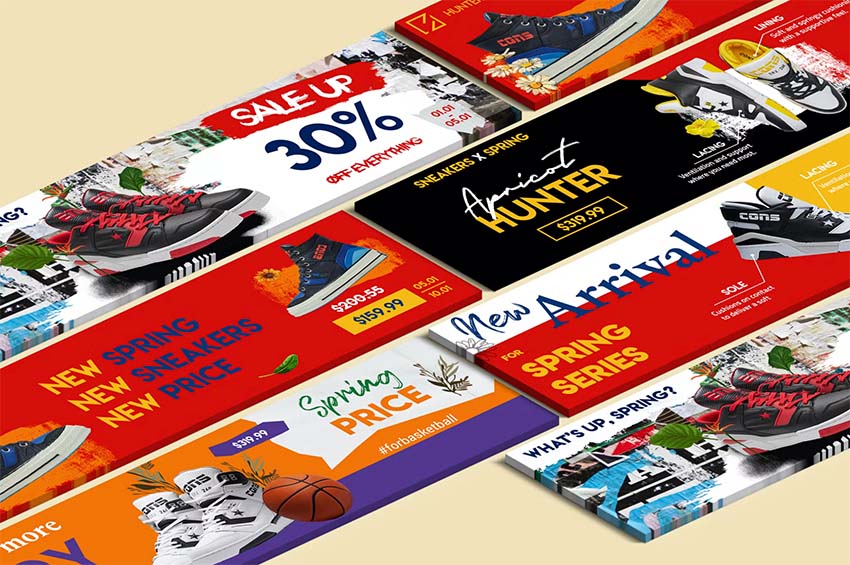
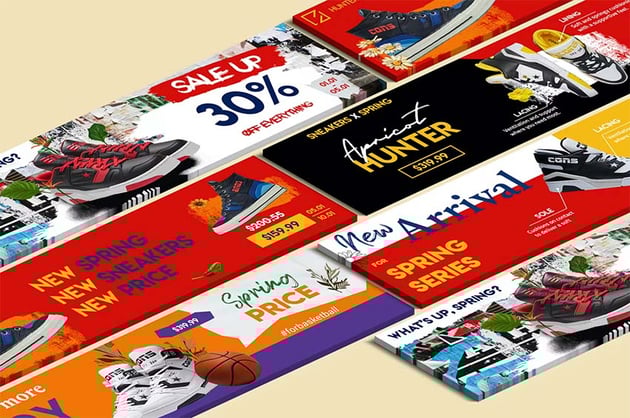
Is your store having a spring sale? Advertise it with these aesthetic Twitter headers. The pack includes five different and customizable Twitter header templates.
3.Hotel & Travel Twitter Header Photoshop Template (JPG, PSD)
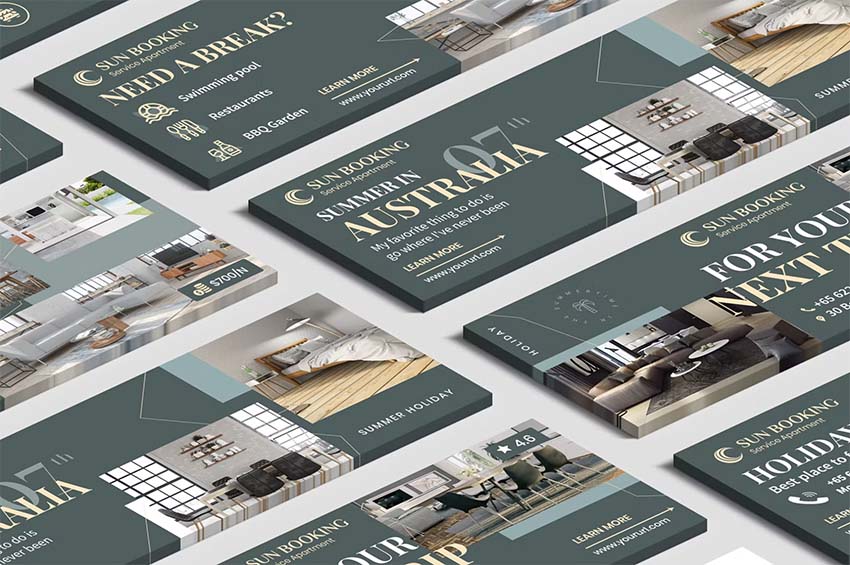
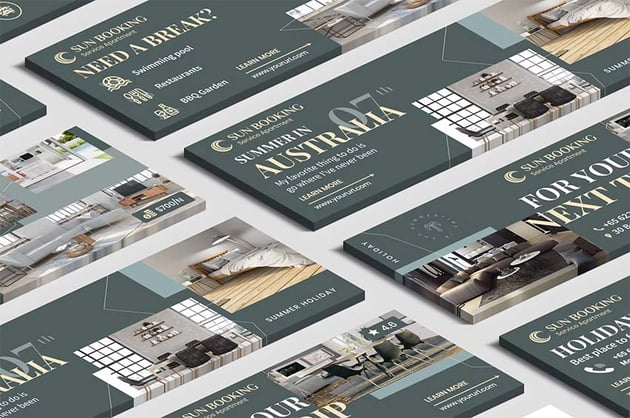

Promote your hotel or hospitality service with this aesthetic Twitter header. Your online visitors will find a professional Twitter header with key info and beautiful images when they check out your profile.
4. Gaming Twitter Headers Pack (PSD)
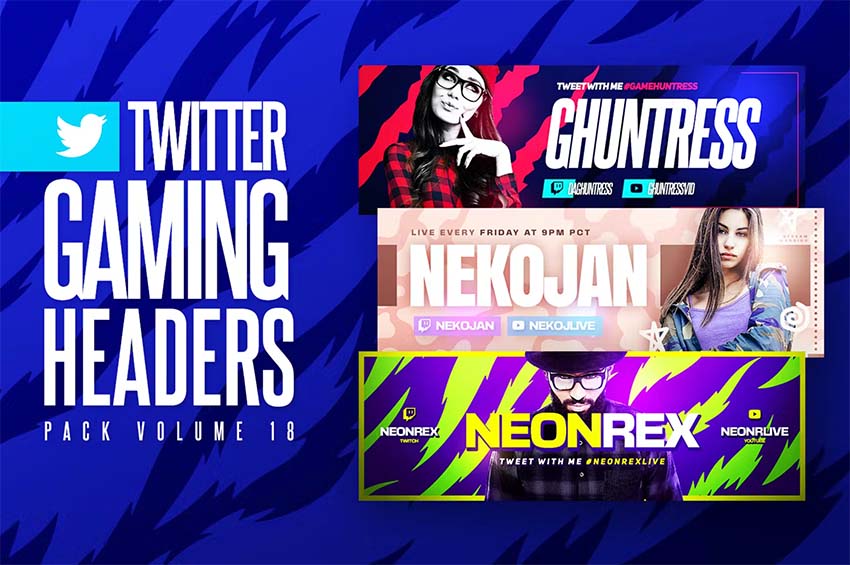
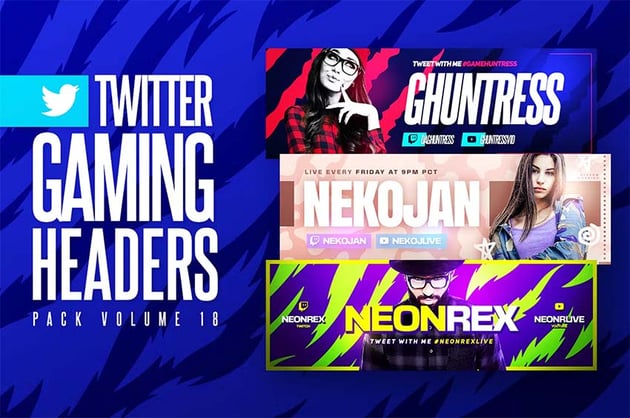
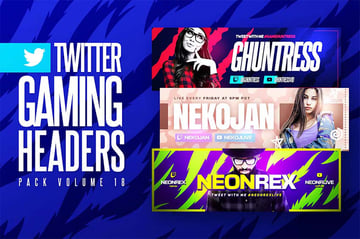
If you have a gaming Twitter profile, this is just the kit for you! The download includes three different gaming Twitter header templates customizable in Photoshop.
5. Jewelry and Accessories Twitter Header Template (JPG, PSD)
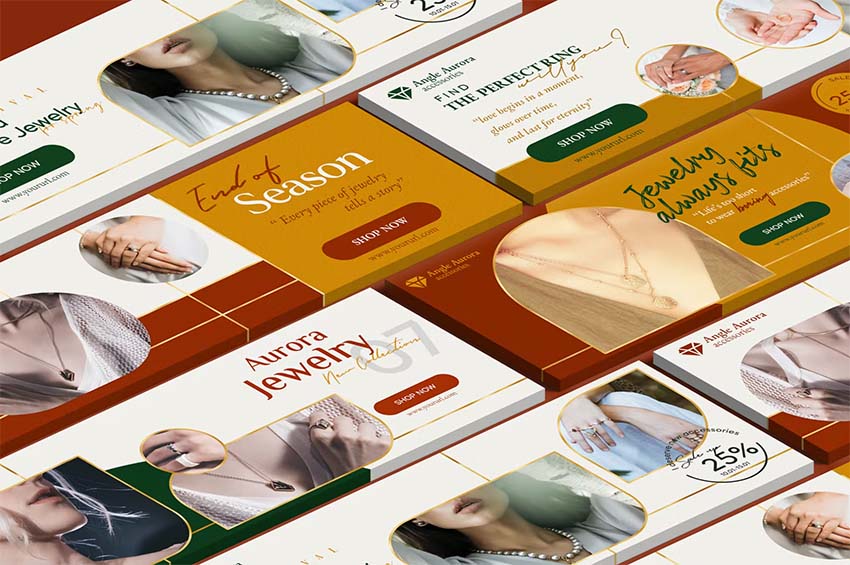
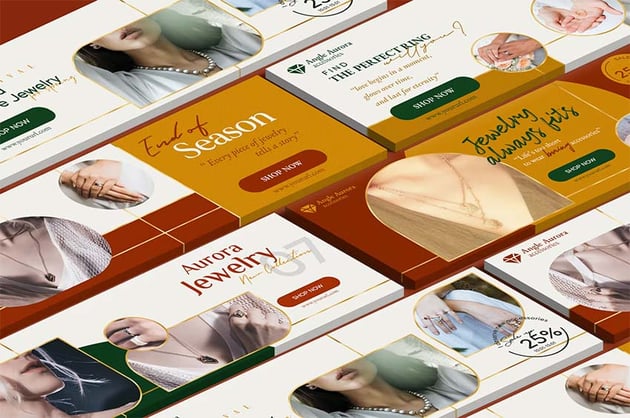
Are you a fan of white Twitter headers? This pack of white, aesthetic Twitter header templates are perfect for a jewellery business. Get five different PSD templates to customize to your needs.
6. Business Corporate Twitter Header Kit (JPG, PSD)
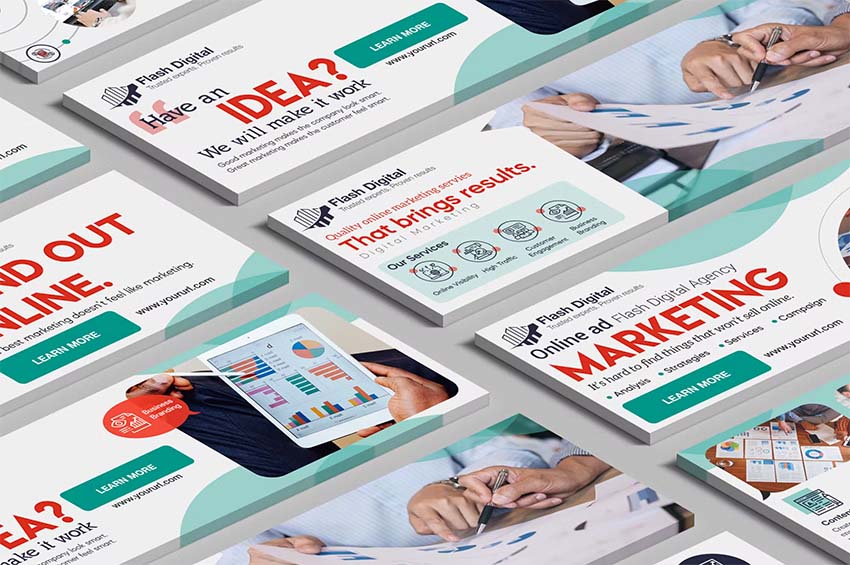
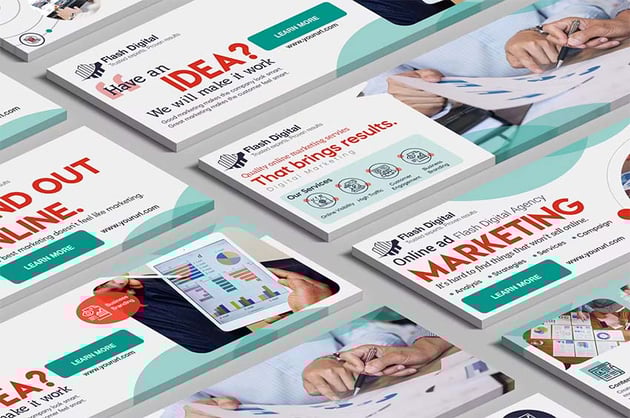
Here's another pack of white Twitter headers that are perfect for businesses. Give a great first impression to your online visitors with them. The pack includes five customizable Twitter header Photoshop templates.
7. Gaming Twitter Headers Kit (PSD)
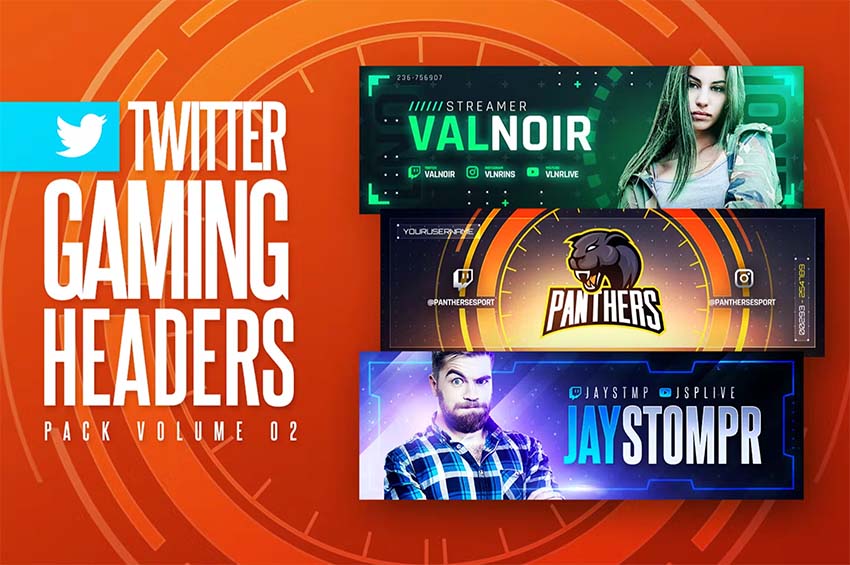
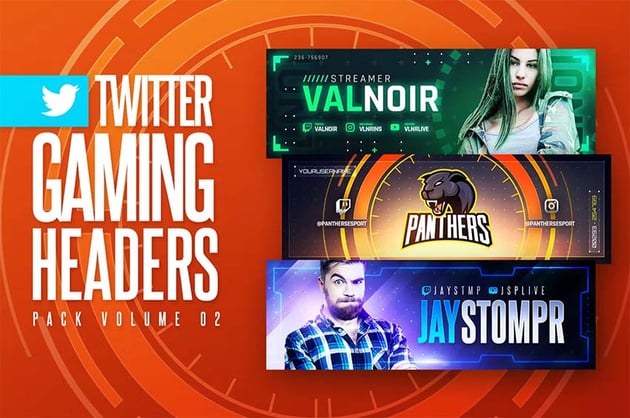
Looking for more gaming Twitter headers? This is a good pick if you like gaming Twitter headers with a futuristic or tech look. The kit comes with three editable Twitter header Photoshop templates.
8. Fitness and Yoga Twitter Headers (JPG, PSD)
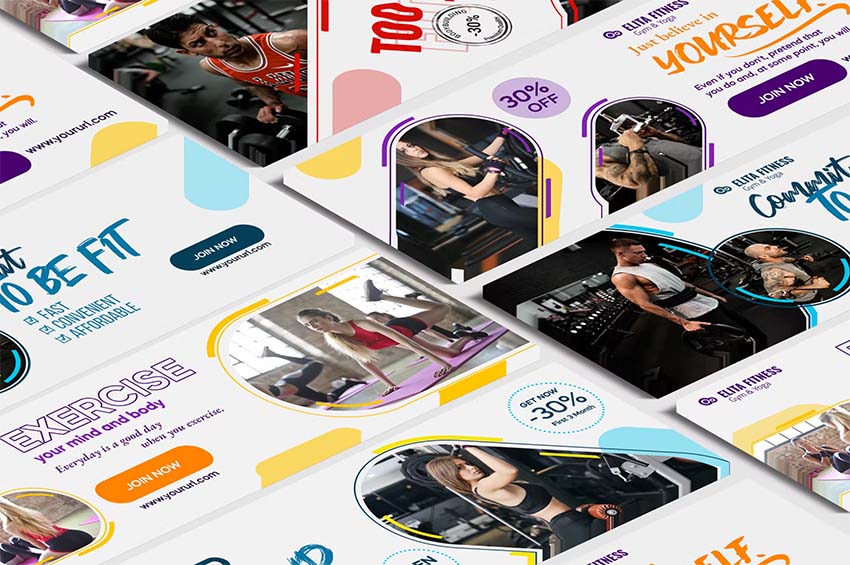
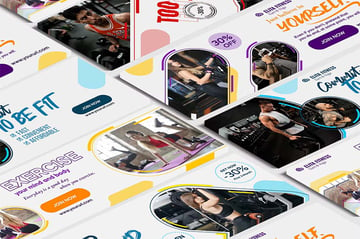
White Twitter headers go well with fitness profiles, as you can see here. The white background will make your details and images stand out more to your visitors. Get this pack of Twitter header Photoshop templates with five different options today!
9. Fresh Business Startup Twitter Header PSD Template (JPG, PSD)
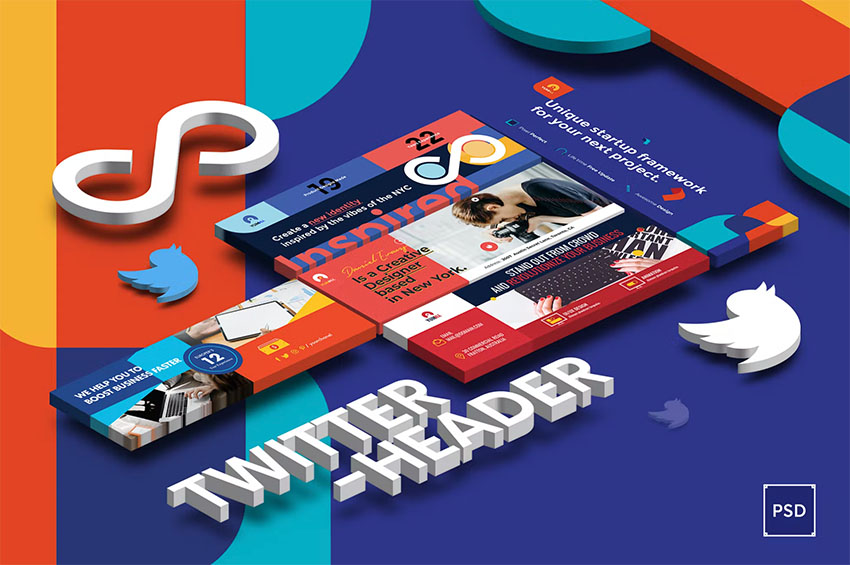
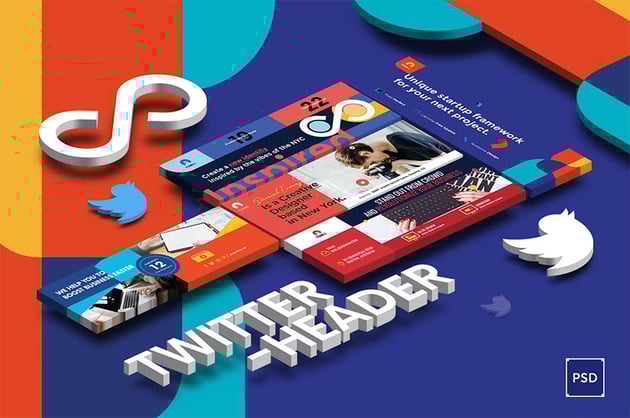
Here's a modern and aesthetic Twitter header kit for startups and new businesses. If you were looking for a red or blue Twitter header, this one could match your company's colours. You'll get three editable Twitter header Photoshop templates to use in your profile.
10. Gaming Twitter Header Templates (PSD)



Let's close the selection with this cool pack of gaming Twitter headers. You'll find a blue Twitter header, a yellow one, and a green one to customize in Photoshop. Surprise your online visitors with this cool Twitter header!
Discover More Tutorials and Resources
I hope I answered your question of how to make my Twitter profile picture not blurry and that you learned a useful Twitter tip. You also know where to find aesthetic Twitter header templates that are ready to use. If you'd like to explore even more useful tutorials, check these out:
![]()
![]()
![]() TwitterHow to Make a Pretty Cute Twitter Header in Seconds With a Twitter Header Maker
TwitterHow to Make a Pretty Cute Twitter Header in Seconds With a Twitter Header Maker![]()
![]()
![]() Twitter27 Cool Twitter Headers Using a Twitter Header Maker
Twitter27 Cool Twitter Headers Using a Twitter Header Maker![]()
![]()
![]() Photo ManipulationHow to Create a Design-Inspired Photo Manipulation for Twitter/Facebook Banners
Photo ManipulationHow to Create a Design-Inspired Photo Manipulation for Twitter/Facebook Banners![]()
![]()
![]() Instagram21 Awesome Instagram Themes (Aesthetic Post Ideas)
Instagram21 Awesome Instagram Themes (Aesthetic Post Ideas)![]()
![]()
![]() Social Media20+ Social Media Image Maker Templates for Instagram, Facebook + More
Social Media20+ Social Media Image Maker Templates for Instagram, Facebook + More![]()
![]()
![]() twitchHow to Customize Your Twitch Channel
twitchHow to Customize Your Twitch Channel![]()
![]()
![]() Placeit31+ Best Gaming YouTube Banners Made With a YouTube Banner Maker
Placeit31+ Best Gaming YouTube Banners Made With a YouTube Banner Maker![]()
![]()
![]() EtsyBannerDesigns19 Best Etsy Banner Designs (Using an Etsy Banner Maker)
EtsyBannerDesigns19 Best Etsy Banner Designs (Using an Etsy Banner Maker)


Editorial Note: This post has been updated with contributions from Maria Villanueva. Maria is the Associate Editor of the Tuts+ Design channel.
